For Mac & Windows

Your voice.
Your book.

Writing a book is now as easy as ABC. Turn recordings, notes and memories into chapters you can read, edit and export.

  1. AAdd your words
  2. BBuild your book
  3. CCheck & export

Free: one verified source, about 20 minutes of transcription, and a prewritten sample to explore and export. Creating your own book requires credits or an eligible allowance. No card needed to try.

The Scribe manuscript editor with chapter navigation and a large reading area
19.0.3 interface · prewritten sample

See the journey in 25 seconds.

From an idea worth keeping to a manuscript you can work with.

See what changes. Keep what matters.

The same source, developed with “Build it out.” Switch levels to compare how much the writing changes.

Loading sample choices…

Original spoken source

Um, I kept waiting for a whole free day to work on my idea. And that day, it never came. So I tried ten minutes after breakfast, same chair, phone in the other room. I didn't get loads done at first. But I came back the next day. I think the thing is, make the beginning small enough that you actually begin.

Build it out

I kept waiting for a whole free day to work on my idea. That day never came. Instead, I tried ten minutes after breakfast: the same chair, my phone in the other room.

The arrangement was modest, but it answered three practical questions: When will I begin? Where will I sit? What might pull me away? I didn't get much done at first. I did come back the next day.

Try making your own beginning that specific. Choose one short window, one place, and one distraction to remove. The aim is not to finish everything today. It is to give yourself a beginning you can repeat.

Fixed demonstration from the app’s prewritten sample. These examples show editorial choices; they are not a live generation or a customer testimonial.

A simple path to a finished manuscript.

A

Add your words

Record live, import audio or video, paste a public link, or upload a document. Review the transcript before continuing.

B

Build your book

Choose your length and editorial level. The app shows whether you need more material and gives you a quote before writing.

C

Check & export

Read and edit your chapters. Save EPUB, PDF or Word. Make a cover separately when you are ready.

7,500words of notes or transcript
Structuredchapters with a clear direction
48,000target manuscript words

Illustrative “Build it out” plan: about 200 standard pages. Source quality and editorial choices affect the result; this is a target, not a promised word count.

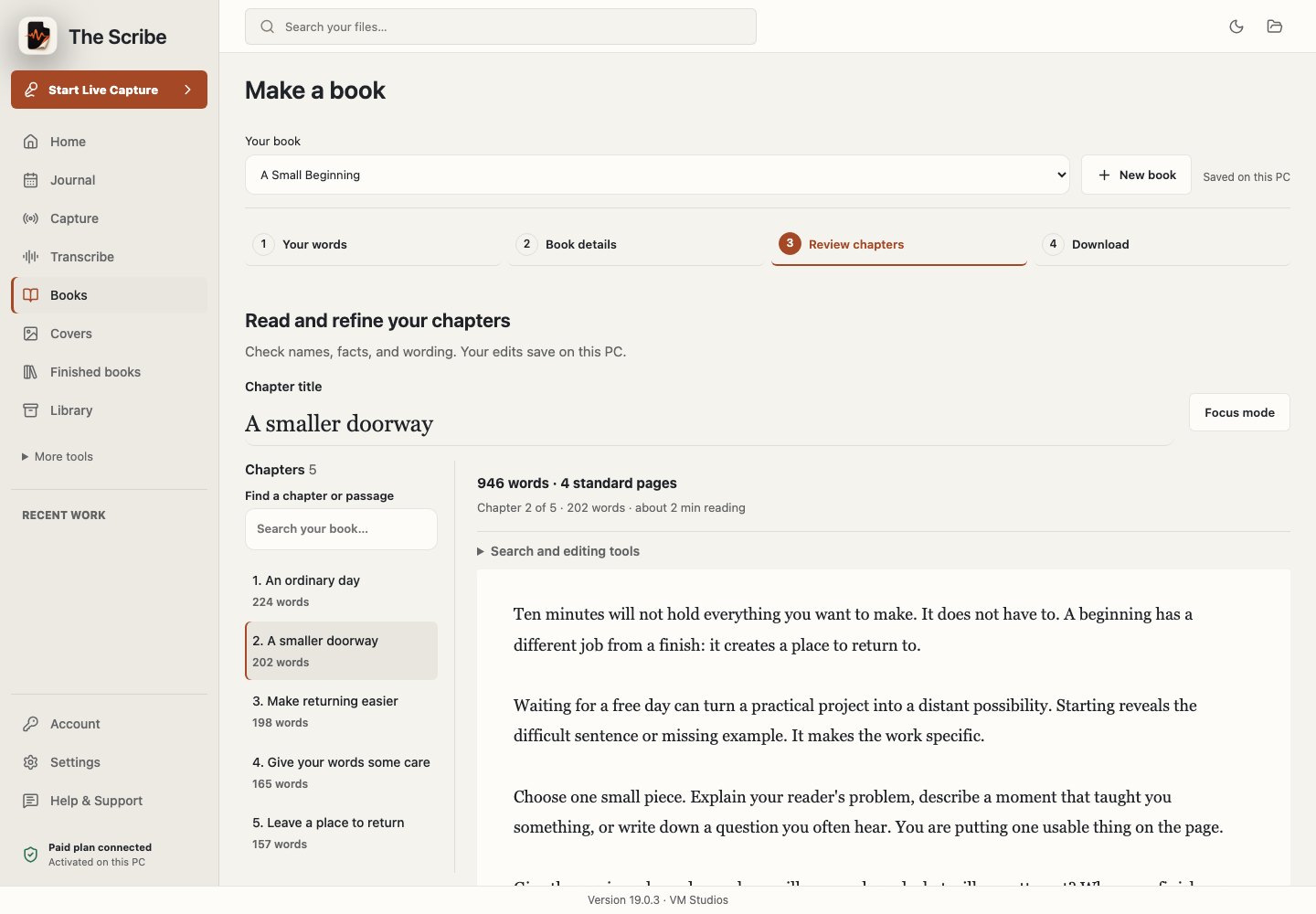
A place to work on your book.

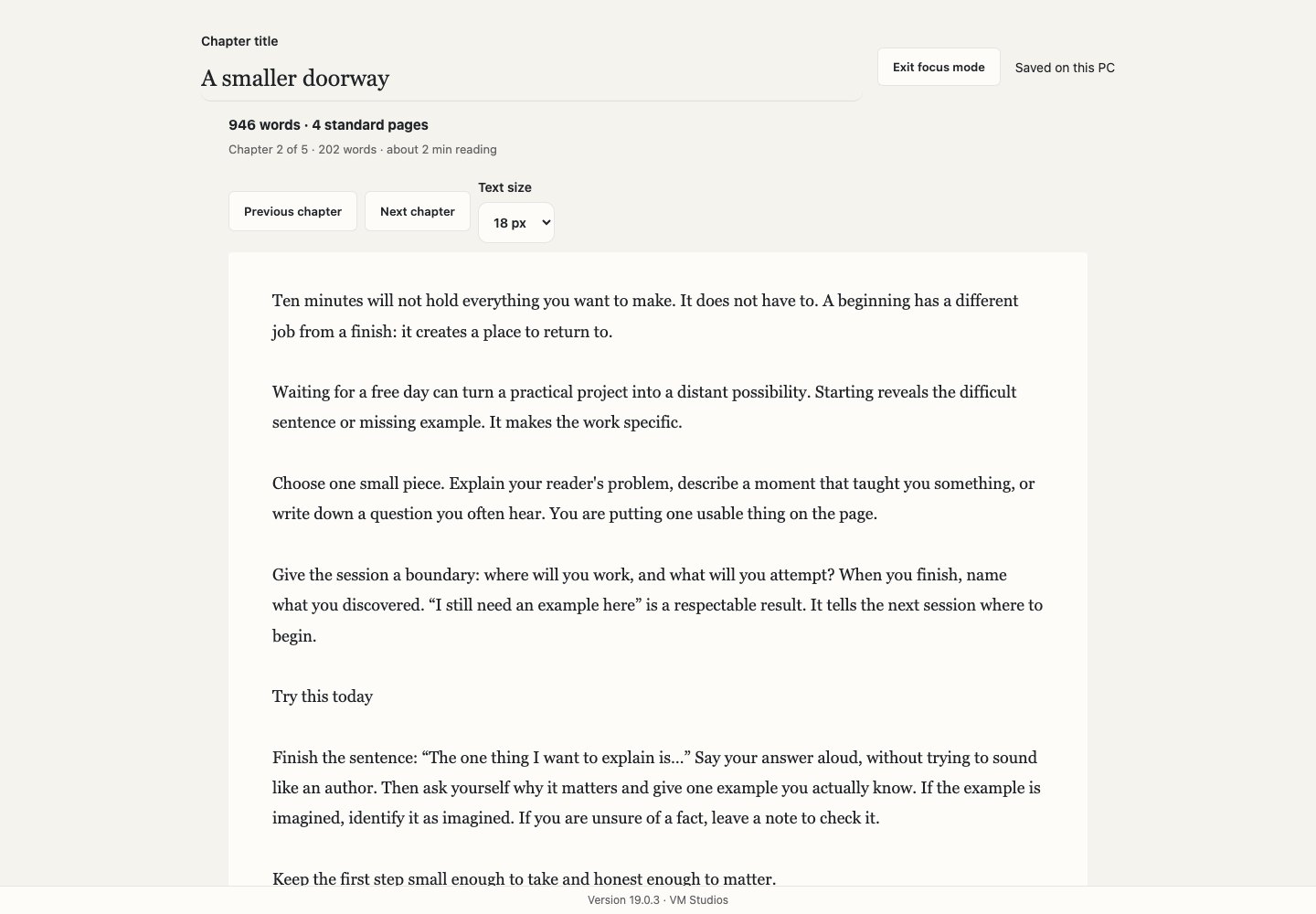
Chapters beside your manuscript. A larger reading area. Focus mode when you want fewer distractions.

Chapter list beside an editable sample manuscript
Review chapters · 19.0.3 interface preview
Distraction-free manuscript view with only writing controls
Focus mode · 19.0.3 interface preview
New in 19.0.2 · available on Mac & Windows

Keep track of the details that make a story yours.

The new Book Bible and continuity review track source-cited characters, dates, places, relationships and story details across the manuscript. They flag possible contradictions, repeated prose and unresolved threads for your review.

Automated checks support your final read; you still check facts and approve the book. About source and continuity checks →

Choose how far the writing goes.

From a careful clean-up to a fuller manuscript. Each level uses the same writing rate; you choose the length.

01

Keep it close

Correct grammar, punctuation and transcription errors. Stay close to the order and voice of your source.

02

Add a little

Improve flow and transitions, clarify thoughts and smooth the reading experience.

03

Build it out

Develop your strongest ideas with context, reflection, useful detail and source-grounded examples.

04

Make it big

Build a broader arc and richer chapters from material that can support a longer book.

Compare the same passage at all four levels ↑

Open the pages. Try the possibilities.

Read a real prewritten sample from the app, then explore five different directions for your own material.

Loading sample pages…

A Small Beginning · prewritten sample

An ordinary day

The free day never came.

I kept waiting for a whole day to work on my idea. I imagined a clear desk, a quiet room, and hours in which nothing else would ask for my attention. An ordinary day never seemed like the right day to begin.

So I tried ten minutes after breakfast. I sat in the same chair and left my phone in the other room. I did not get much done at first. But I came back the next day.

That is the modest beginning at the heart of this little book. There is no dramatic transformation to promise. There is a question to explore: what changes when we make the first step small enough to take?

You may have a story you want to tell, an idea you want to explain, or a lesson you keep returning to. You do not need to see its final shape before you give it some attention. A first paragraph is allowed to be rough. A first recording is allowed to wander. Neither needs to pretend to be a finished book.

Begin by naming what matters. Not what would look impressive on a shelf, but what you would regret never trying to say. Keep that answer nearby. It will be more useful than a perfect opening sentence when you return to the work tomorrow.
The complete five-chapter sample is included in the free app. It demonstrates reading and export, rather than the result of a new paid generation. Read or download the full sample →

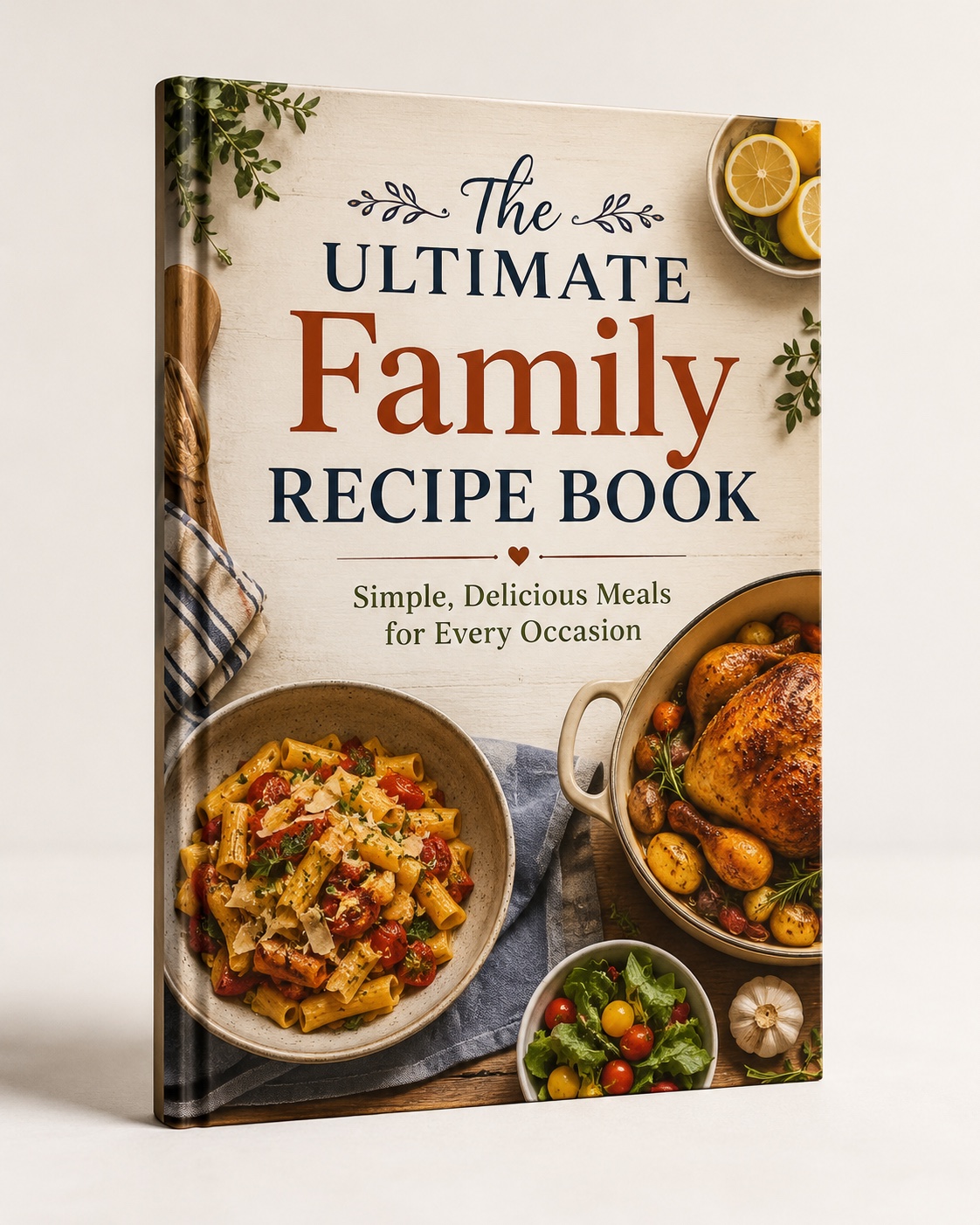
Illustrative recipes coverRecipesThe Ultimate Family Recipe Book

Family recipes, cooking notes and the stories behind them.

Illustrative cover concept. Read the app’s prewritten interior sample →

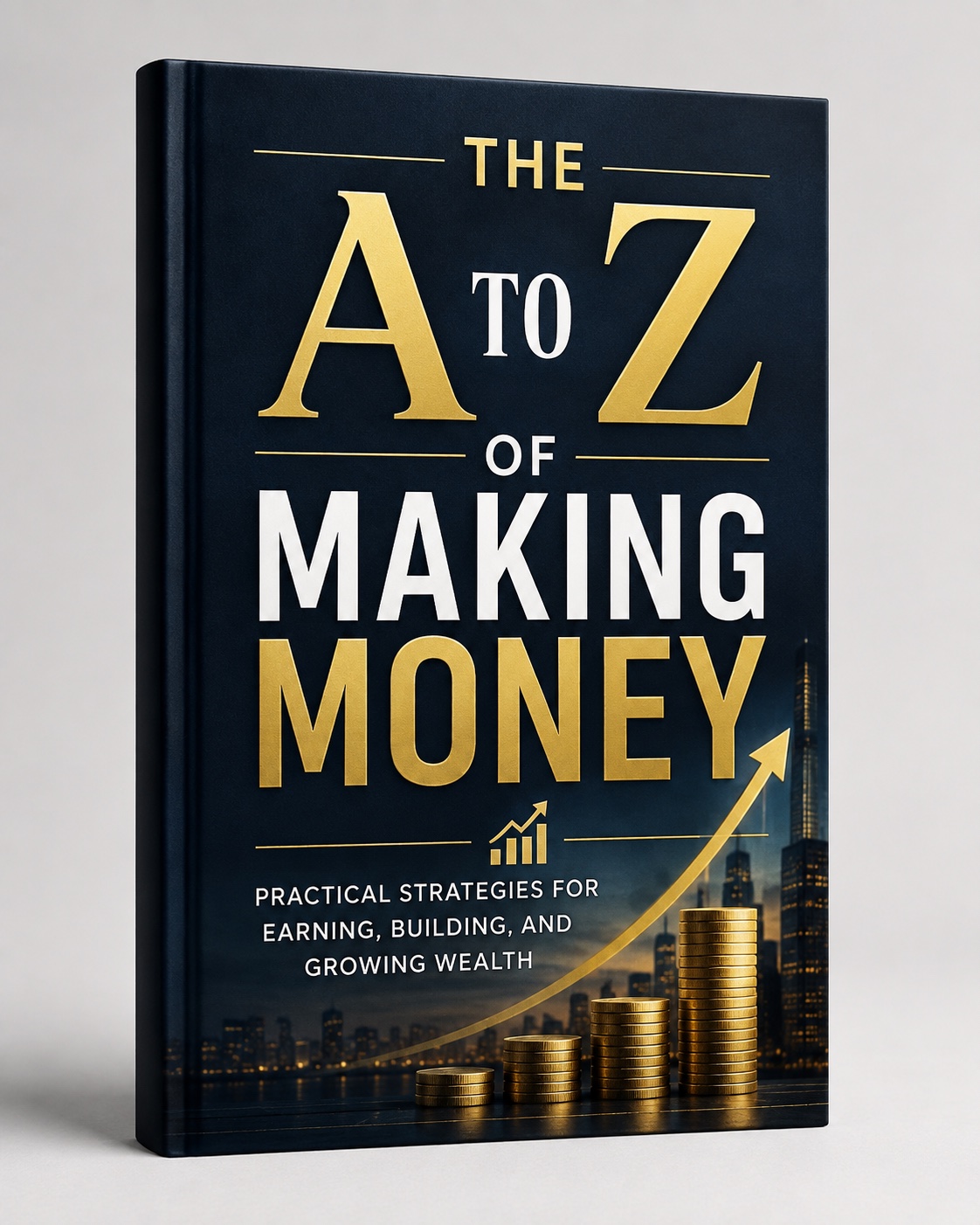
Illustrative money coverMoneyThe A to Z of Making Money

Lessons, personal experiences and practical observations.

Illustrative cover concept. Read the app’s prewritten interior sample →

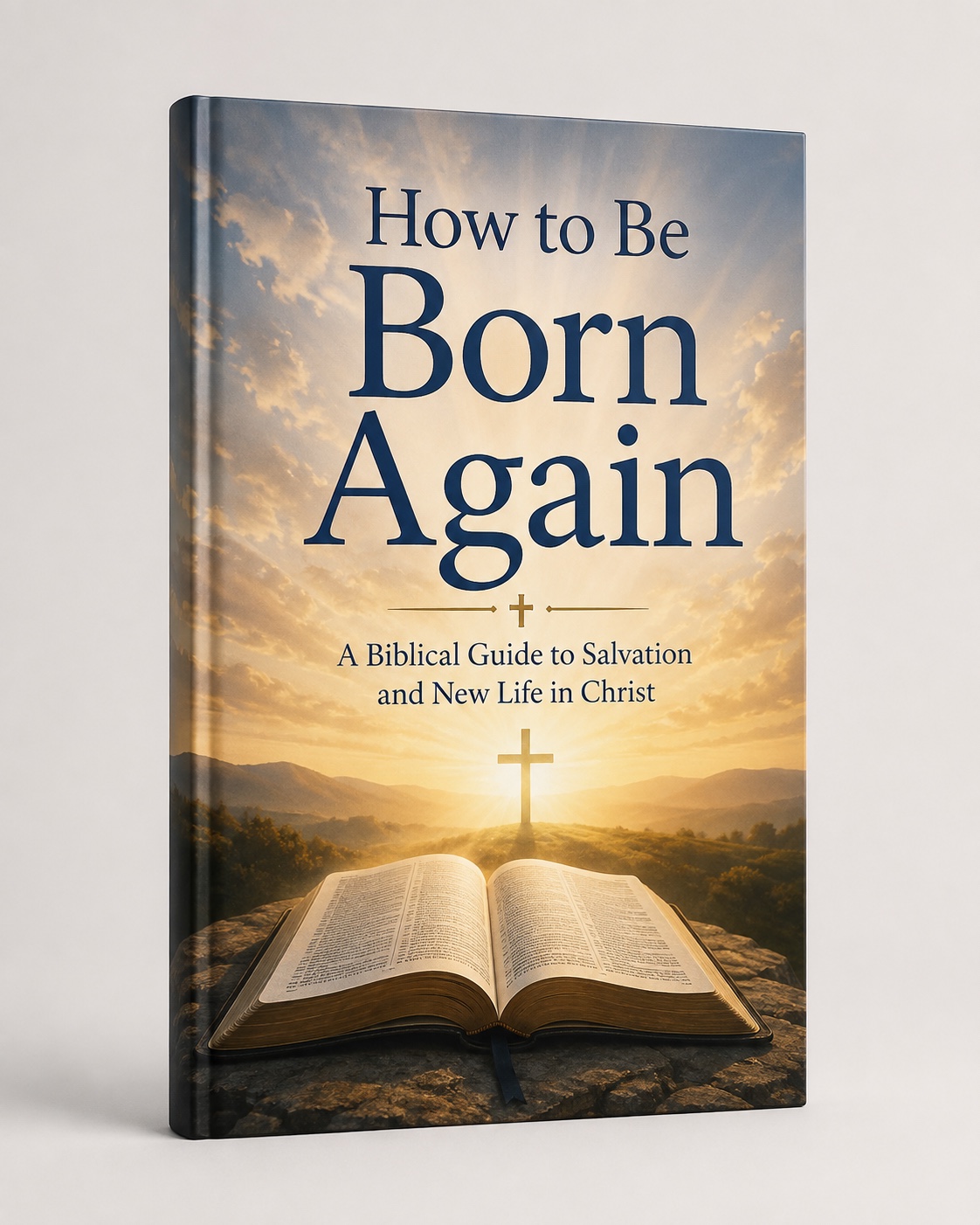
Illustrative faith coverFaithHow to Be Born Again

Teaching notes, reflections and supplied quotations.

Illustrative cover concept. Read the app’s prewritten interior sample →

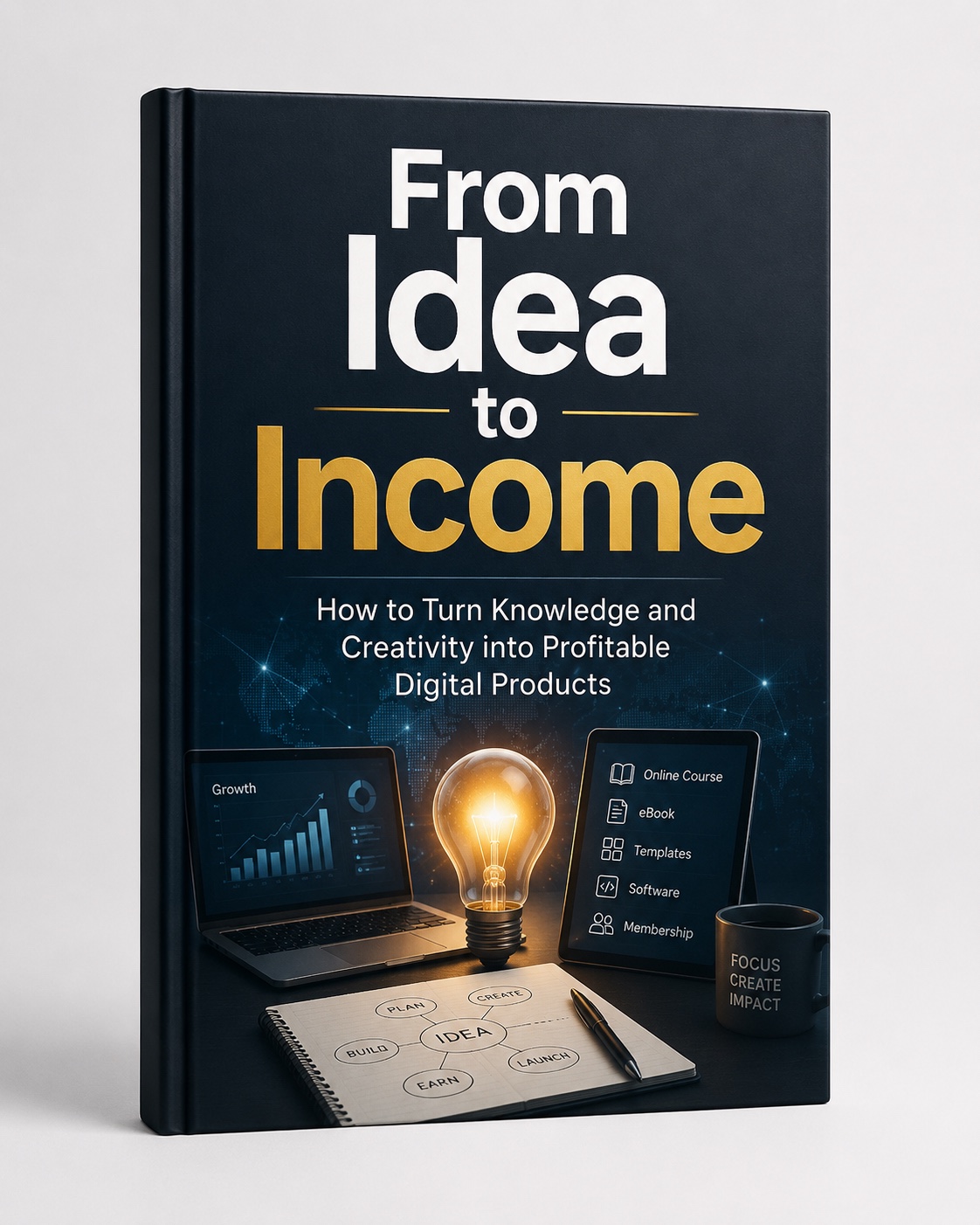
Illustrative business coverBusinessFrom Idea to Income

A course, a series of talks or your professional experience.

Illustrative cover concept. Read the app’s prewritten interior sample →

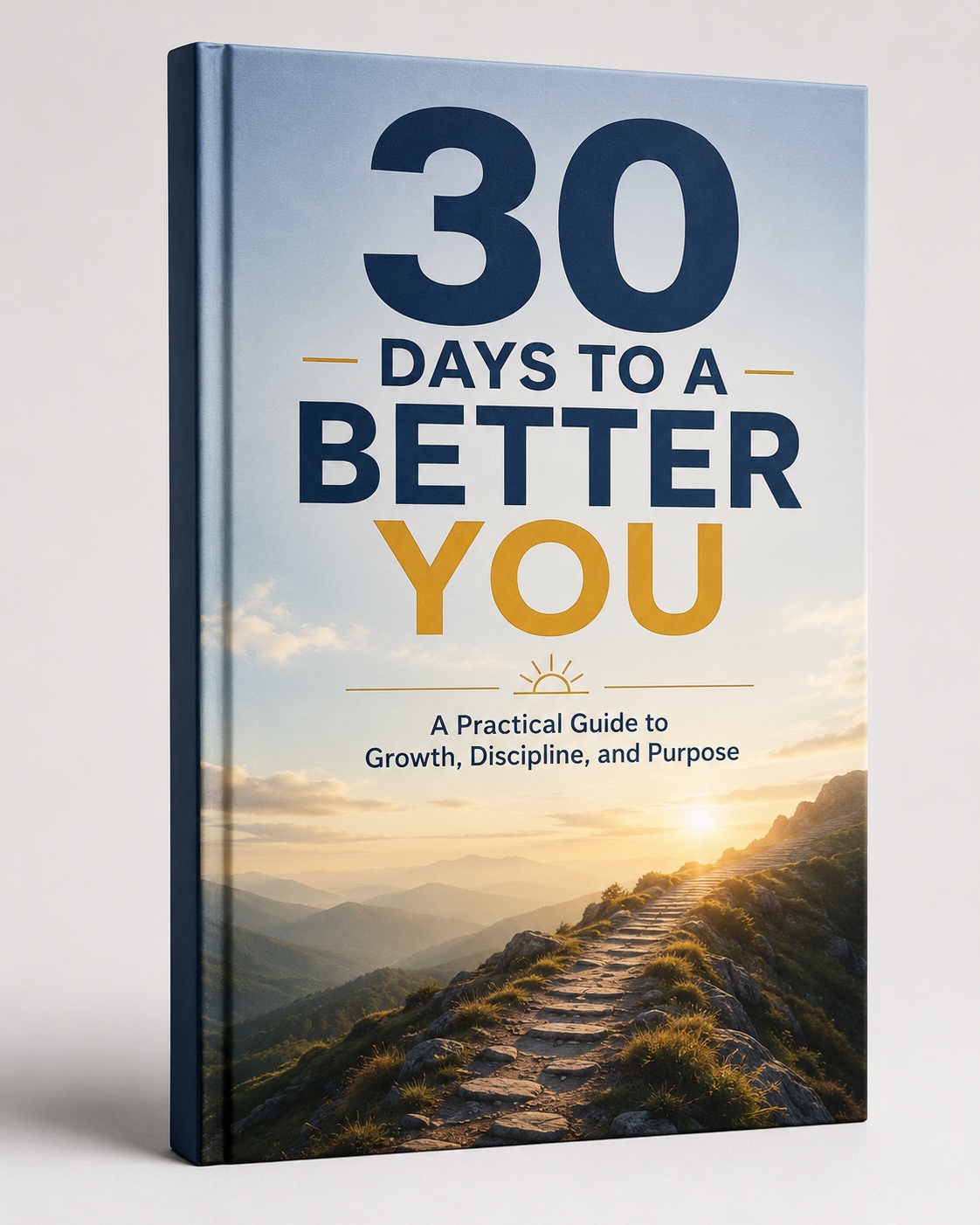
Illustrative personal growth coverPersonal growth30 Days to a Better You

Journal entries, habits and lessons from everyday life.

Illustrative cover concept. Read the app’s prewritten interior sample →

Cover concepts are illustrative. Open a category for suggested source material.

What does a normal book cost?

$29 for one month of Publisher supplies enough credits for a 48,000-word manuscript and one generated cover direction.

That is about 200 standard pages. Writing uses up to 200 credits; a cover uses 50. Manual editing, formatting and exports are included without extra credits. Shorter books use fewer credits.

Free

Try the workflow before you spend.

$0no card
  • One verified recording or file
  • About 20 minutes of local transcription
  • Read your transcript inside the app
  • Explore and export a prewritten sample book
  • Creating your own book requires credits or an original paid or earned allowance
Download free →
Publisher

Build one substantial book, or several shorter ones.

$29/ month
250 credits each month · never expire
  • 200 standard pages = 48,000 finished words
  • Up to 200 credits for writing + 50 for one cover
  • Unused credits carry forward without expiry
  • Unlimited local transcription and transcript export while subscribed
  • My Journal and phone companion while subscribed
  • Manual edits, formatting and exports use no credits
Choose Publisher →

Renews at $29 monthly until cancelled. Requested writing revisions use the same credit balance. Remaining credits stay usable after cancellation.

Subscriptions renew until cancelled. Requested writing revisions use additional credits. Unused credits never expire. Actual print page counts depend on your layout; the app confirms source requirements and the maximum charge before writing.

A few things to know before you begin.

Can I make my own book for free?

The free offer lets you try one verified recording or file, about 20 minutes of local transcription, and explore/export a prewritten sample. Your own book needs credits or an eligible original or earned allowance.

Can I change the writing before I export?

Yes. Edit the chapters, arrange your manuscript and export again. Manual edits and exports use no credits.

Where does my material go?

Transcription runs on your computer. Selected text is sent to the protected writing service for book creation. Account sync is optional. Read the privacy details.

Does it work on my computer?

The Scribe is available for Mac and Windows. Check downloads, current versions and system requirements.

Your next book starts with what you already know.

Try transcription free →

One source and a prewritten sample. Choose a paid option when you are ready to make your own book.